















Blog
Is Login Top-Up Safe? Login vs. UID Top-Up
Oct
Buying in-game currency online can be convenient, but players should understand what information a top-up service requires before placing an order. Some games support top-ups using a Player ID or UID, while other services may require account login details to complete a transaction.
So, is Login Top-Up safe? And how does it compare with UID Top-Up?
In this guide, we explain how these methods differ, what risks players should consider, and how BuffUpNow handles login credentials during Login Top-Up orders.
Quick Answer: Is Login Top-Up Safe?
Login Top-Up is not automatically safe or unsafe. Its security depends on the game’s requirements, the service provider’s procedures, how account information is handled, and the terms of the game publisher.
UID Top-Up is generally preferable when it is officially supported and provides the items you need, because you typically do not have to share your account password.
Login Top-Up may be necessary for certain games or services, but it requires extra care because it involves sharing sensitive account information.
Before choosing either method, check the game’s supported top-up process, the provider’s policies, and the information required to complete your order.
Login Top-Up vs. UID Top-Up: What’s the Difference?
The main difference is the information used to process the transaction.
| Comparison | Login Top-Up | UID Top-Up |
|---|---|---|
| Information required | May require account login details | Usually requires your UID and other game-specific details |
| Password sharing | May be required | Usually not required |
| Processing method | Depends on the game and provider | Depends on the game’s supported top-up system |
| Account access | May involve account access | Typically does not require account login access |
| Security considerations | Requires careful credential handling | Requires checking the UID and server or region details, if applicable |
| Best suited for | Games or services that specifically require login-based processing | Games that officially support UID-based purchases |
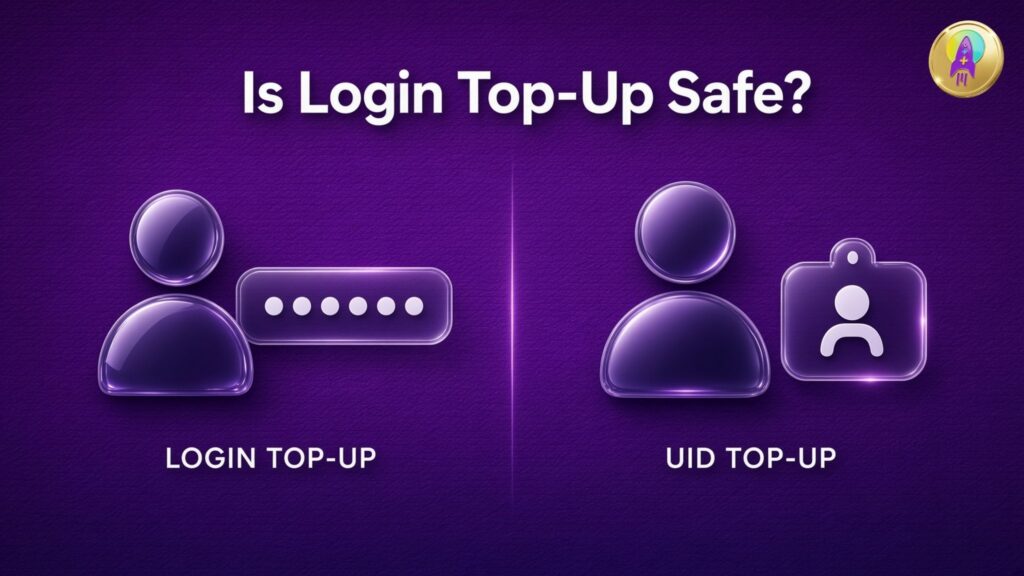
Requirements vary by game and provider. Always confirm the exact process before ordering.
Which Method Should You Choose?
Choose UID Top-Up when it is supported. It generally minimizes the need to share sensitive login information and makes the process more straightforward.
Consider Login Top-Up only when the specific game or service requires it, and only after reviewing the provider’s account-information handling practices.
Neither method guarantees a successful transaction in every circumstance. Incorrect account details, service interruptions, publisher restrictions, and other factors can affect order processing.
What Are the Risks of Login Top-Up?
Because Login Top-Up may require account access, players should understand the potential risks before submitting an order.
1. Sharing Sensitive Account Information
Your account password is sensitive information. Sharing it with a third party introduces additional exposure compared with a UID-based method that does not require login credentials.
Only provide information that is genuinely required for the transaction, and never share payment passwords, one-time verification codes, or recovery codes unless the official process explicitly requires them through a verified channel. Be particularly cautious of requests that seem unrelated to the top-up.
2. Account Access and Privacy
A login-based process may involve access to parts of your gaming account. The scope of access depends on the game and its authentication system.
Before ordering, review what access is required, how the provider handles your information, and whether the process complies with the game’s rules.
3. Publisher Rules and Account Restrictions
Game publishers may have different rules concerning third-party purchases, account sharing, and external top-up services.
Using a top-up service does not automatically mean an account will be restricted, but no provider should promise that an account is completely immune to restrictions. Review the publisher’s current terms and use services that follow the applicable rules.
4. Unclear Credential-Handling Policies
A provider should explain what happens to login credentials after an order is processed. If a service cannot clearly explain its data-handling practices, consider choosing another option.
A clear process, limited access, and transparent communication are important parts of making an informed decision.
How BuffUpNow Handles Login Credentials
BuffUpNow offers Login Top-Up for supported products that require this method. For these orders, customers may need to enter the required account information in the order notes, following the instructions provided for the specific product.
BuffUpNow automatically deletes login credentials after the order is completed.
This is an important part of the order-handling process, as it limits how long the submitted login credentials are retained within that process.
However, automatic deletion should not be interpreted as a guarantee that every possible security risk has been eliminated. Players should still protect their accounts, follow the game’s rules, and review the requirements before placing an order.
Practical Steps to Protect Your Account
Before placing a Login Top-Up order:
- Confirm that the selected game and product require Login Top-Up.
- Read the product instructions carefully.
- Check the provider’s privacy and credential-handling information.
- Never provide payment passwords, recovery codes, or unrelated sensitive information.
- Make sure you understand the game’s account-sharing and third-party purchase policies.
After the order is completed:
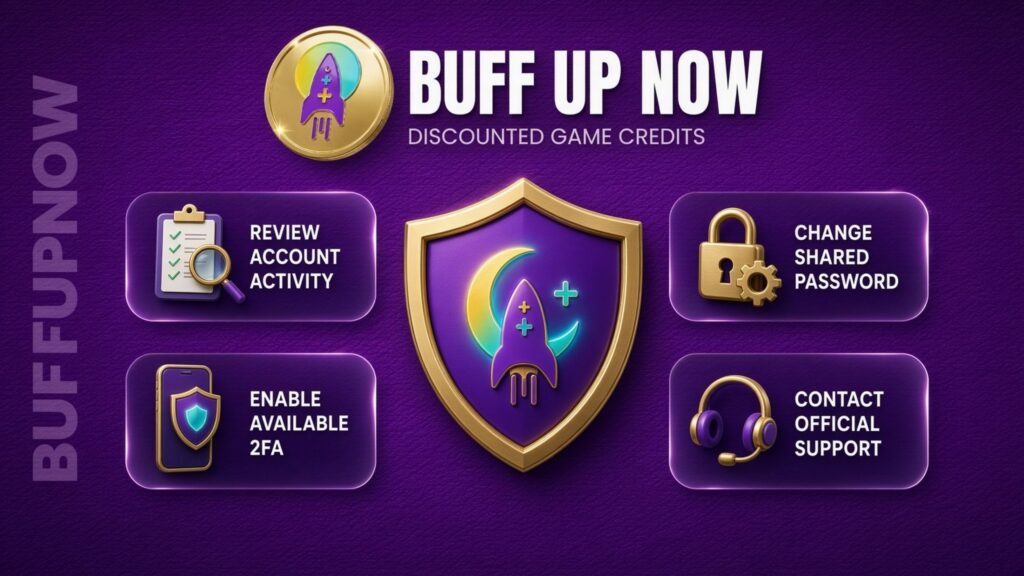
- Change your account password as an additional precaution, especially if the password was shared specifically for the transaction.
- Review recent account activity when the game provides that option.
- Enable available account-security features, such as two-factor authentication.
- Contact the game’s official support team if you notice unexpected account activity.
These steps can help reduce exposure, but they cannot eliminate every possible risk.
Official Top-Up vs. Third-Party Top-Up
Players can often choose between purchasing through an official in-game store or using a third-party top-up provider. The right option depends on the game, the available payment methods, the price, and the provider’s policies.
| Factor | Official Top-Up | Third-Party Top-Up |
|---|---|---|
| Purchase channel | Publisher’s official store or an officially designated channel | External provider’s website or service |
| Pricing | Set by the publisher or platform | May vary by provider and product |
| Payment options | Depend on the platform and region | Depend on the provider and region |
| Support | Official publisher or platform support | Provider support for its own orders, subject to its policy |
| Security checks | Follow the publisher’s official purchase process | Require checking the provider’s credibility and procedures |
| Terms and eligibility | Governed by publisher and platform rules | Must also comply with relevant publisher rules |
A lower price does not automatically mean better value. Compare the final price, the exact package received, delivery expectations, refund conditions, and available support before making a decision.
When using a third-party service, verify that the specific product and transaction method are permitted by the relevant game’s current rules.
How to Place a Login Top-Up Order on BuffUpNow
If the selected product supports Login Top-Up, follow the instructions displayed on its product page.
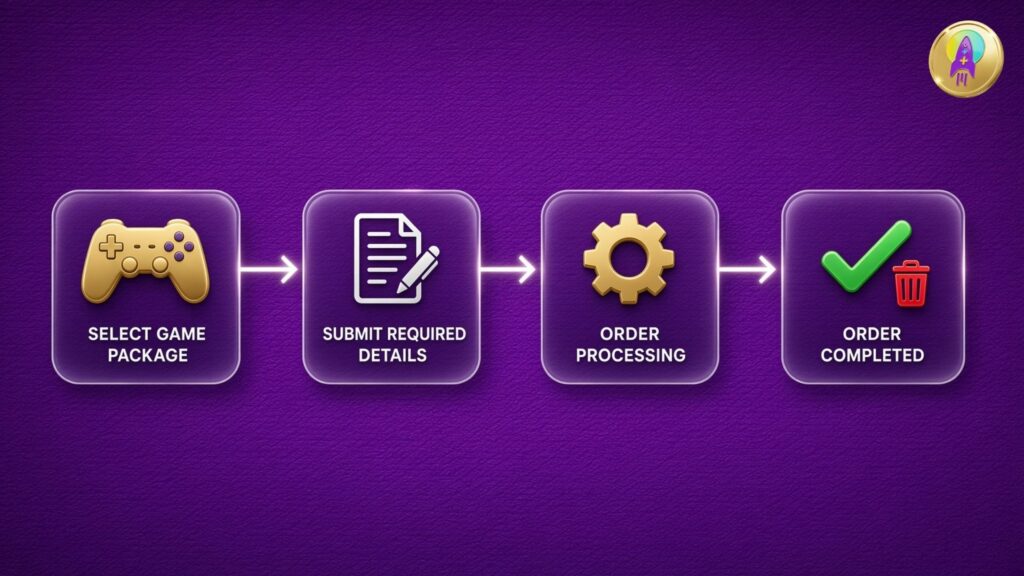
Step 1: Select Your Game and Package
Visit BuffUpNow and find the game and top-up package you want. Check the package details and confirm the required top-up method.
Step 2: Read the Order Instructions
Review the information requested for the product. Some Login Top-Up products may require account login details in the order notes, while UID-based products generally use the player’s UID and any additional game-specific information.
Do not assume every game follows the same process.
Step 3: Submit Your Order
Provide only the information required by the selected product and follow the checkout instructions. Double-check the game, package, account details, and server or region information where applicable.
Step 4: Allow the Order to Be Processed
Follow the order status and any instructions from BuffUpNow’s support team. Processing times may vary depending on the product and circumstances.
Step 5: Review Your Account After Completion
Confirm that the purchased items have arrived. For Login Top-Up orders, consider changing your password afterward and reviewing your account-security settings as an additional precaution.
Frequently Asked Questions
Is UID Top-Up safer than Login Top-Up?
UID Top-Up generally reduces the need to share your account password when the game officially supports it. However, safety also depends on the provider, the accuracy of the information submitted, and the game’s rules.
Does Login Top-Up require my password?
Some Login Top-Up services require account login details, but requirements vary. Check the specific product instructions before ordering. If a service asks for information that seems unnecessary, stop and verify the request.
Does BuffUpNow delete login credentials?
Yes. BuffUpNow automatically deletes login credentials after an order is completed. Customers should still follow good account-security practices, including changing a shared password after completion as an additional precaution.
Can Login Top-Up get my account banned?
There is no universal answer for every game. Account restrictions depend on the publisher’s rules, the transaction method, and the circumstances. Review the relevant game’s terms before using a third-party top-up service. No provider can responsibly guarantee zero risk of account restrictions.
What if I enter the wrong UID?
An incorrect UID or server selection can cause delays or prevent a transaction from being processed correctly. Double-check all details before submitting an order. If you discover a mistake after ordering, contact the provider promptly and follow its support instructions.
Should I change my password after Login Top-Up?
Changing your password after the order is completed is a sensible additional precaution when you shared it for the transaction. Also review available account-security settings and enable two-factor authentication where supported.
How do I choose a reliable top-up provider?
Review the provider’s product instructions, pricing, contact information, credential-handling practices, support process, and applicable refund or warranty terms. Check whether the selected purchase method is permitted by the game’s publisher.
Final Thoughts: Choose the Right Top-Up Method
Login Top-Up and UID Top-Up serve different needs, and the available options depend on the game.
When UID Top-Up is officially supported, it is generally a simpler choice because it typically does not require sharing your account password. If Login Top-Up is necessary, carefully review the provider’s process and take appropriate steps to protect your account.
BuffUpNow automatically deletes login credentials after a Login Top-Up order is completed. Combined with careful account practices and an understanding of the game’s rules, this helps customers make a more informed decision about the top-up method they choose.
Ready to explore your options? Visit BuffUpNow, review the instructions for your selected game, and choose the top-up method that best fits your needs.
